
Quick Answer
Start by installing Naver Map before your trip and setting the interface language to English if needed. Search destinations with the Korean name or full address whenever possible, then check three details before moving: the subway exit number, the bus stop name, and the walking route from the final stop. Naver Map is usually stronger than Google Maps for Korea transit and station-exit guidance, but you should still compare app directions with physical signs inside stations.
Save screenshots of hotel names, addresses, and destination names in Korean so you can ask staff or drivers for help if data is weak. For time-sensitive trips, confirm the route while you still have a stable connection.
Set Up the App Before You Need It
Do the setup while you are still at your hotel or airport Wi-Fi, not when you are already standing outside a busy station. Change the app language if needed, allow location access, and search for your hotel by Korean name or full address. The friction point for visitors is that English place names can be inconsistent.
A cafe, clinic, guesthouse, or small restaurant may appear under a Korean spelling even when the place advertises in English. Decision rule: if the English search result looks uncertain, copy the Korean address from your booking page and search that instead.
Local Tips Worth Knowing
These are practical patterns that often come up in Korean local guides and traveler discussions, rewritten for visitors instead of copied from any one source.
- Use Naver Map or KakaoMap for station exits and bus stop details; Google Maps is better as a backup reference.
- Check the exit number before leaving a large subway station.
- Save Korean names and screenshots of important addresses before starting a trip.
- For buses, match the stop name and direction, not only the route number.
Use Exit Numbers as the Main Navigation Clue
In Korea, the station name alone is often not enough. Large subway stations can have many exits that lead to different streets, malls, bus stops, and building entrances. In Naver Map, check the recommended exit and compare it with the yellow or white exit signs inside the station before leaving the gate area.
Local behavior cue: when Koreans give directions, they often mention the exit number first because it is more useful than saying only the station name. If the app and the physical station signs disagree, slow down and confirm before walking outside.
Visual Guide

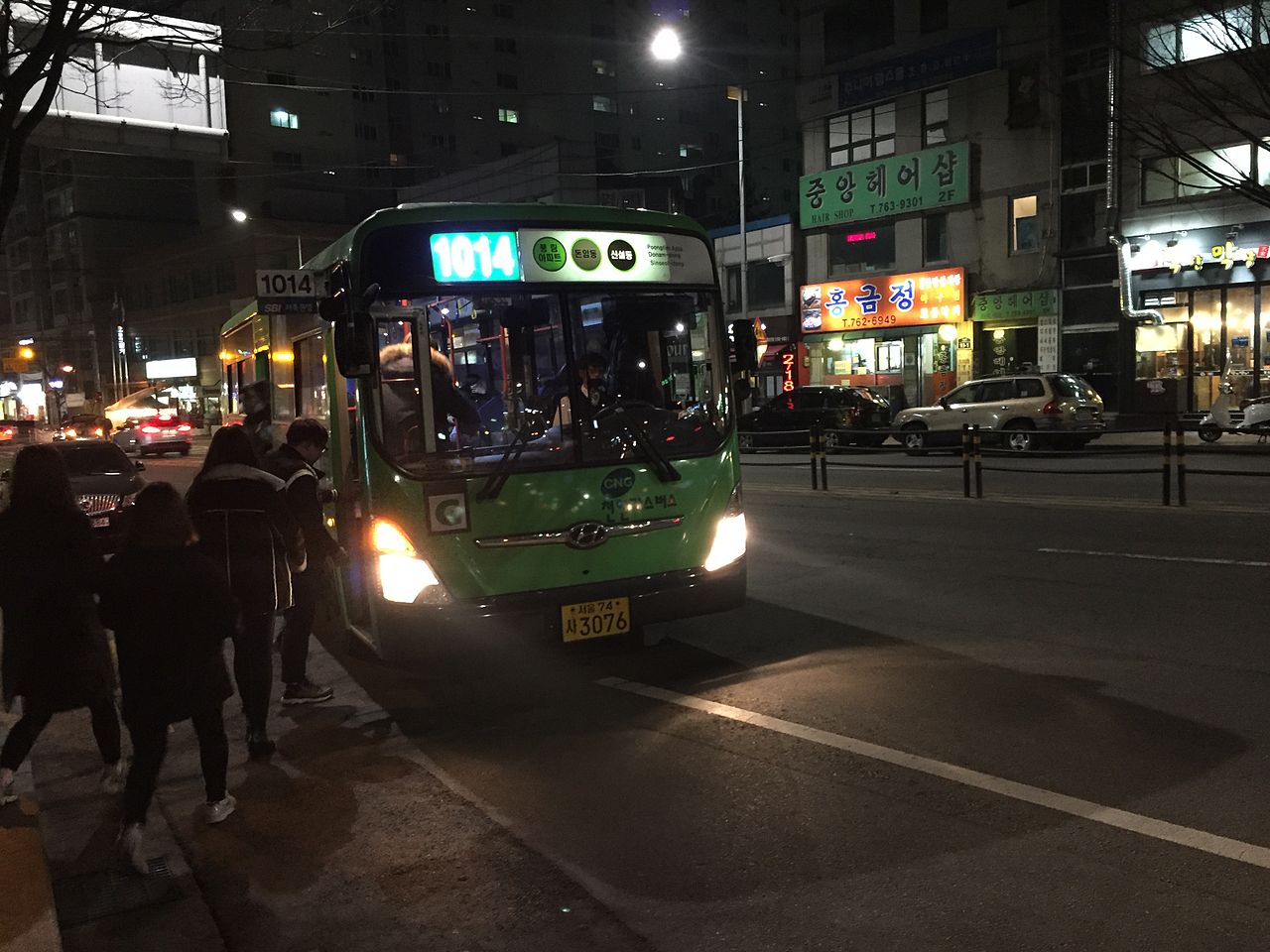
Handle Buses by Matching Stop Names
For buses, focus on the route number, direction, and stop name. Korean bus stops with similar names can be close to each other, and standing on the wrong side of the road can send you in the opposite direction. Naver Map helps by showing the stop sequence, but you should still match the stop name on the sign or shelter display.
If mobile data is weak, use saved screenshots of the route and the Korean stop name. Decision rule: do not board only because the bus number matches; confirm the direction or the next few stops as well.
Know When to Cross-Check Another Source
Naver Map is the main choice for Korea navigation, but it is not a magic answer for every situation. For famous tourist landmarks, Google Maps can still be useful for English reviews, photos, and a familiar interface. For transit, station exits, and Korean addresses, Naver Map or KakaoMap is usually more practical.
The useful workflow is not choosing one app forever. Use Naver Map for movement inside Korea, keep Google Maps as a backup for English context, and trust on-site signs when an app looks stale or confusing.
Comparison Table
| Situation | Best Move | Why It Helps |
|---|---|---|
| English place name fails | Search the Korean name or full address | Small places may not be indexed well in English |
| Subway route looks correct | Check the exit number before leaving | The wrong exit can add unnecessary walking |
| Bus number matches | Confirm direction and stop sequence | The same route number can serve the opposite direction nearby |
| App directions conflict with signs | Follow official station or stop signage first | On-site information is the final check during travel |
Checklist
- Set Naver Map language and location permissions before leaving.
- Save your hotel and key destinations with Korean names.
- Check subway exit numbers before leaving the station.
- Match bus stop names and direction before boarding.
- Keep screenshots of important addresses in case mobile data is weak.
FAQ
Is Naver Map better than Google Maps in Korea?
For transit routes, station exits, and Korean addresses, Naver Map is usually more useful. Google Maps is still helpful for English reviews, photos, and general orientation, so keeping both apps installed is sensible.
What should I do if I cannot find a place in English?
Search with the Korean name, road address, or a copied address from your booking page. If that still fails, show the Korean address to hotel staff, station staff, or a taxi driver.
Why do exit numbers matter so much in Seoul?
Large stations can have many exits that open onto different streets. Choosing the wrong exit can make the walking route much longer even when you arrived at the correct station.
Related Guides
Questions about this guide?
If something is unclear or you want a Korea-specific answer, leave a question. Public answers can be added after review.