Quick Answer
When you step into a Korean restaurant, first locate the QR code or printed menu and open your chosen translation app. Capture a clear photo of the menu section you need, making sure the lighting is even; most apps will instantly overlay English text. For dietary restrictions, use the app’s saved phrase library (e.g., “no pork” or “less spicy”) and show the phrase to the staff.
If the staff looks confused, switch to the voice‑to‑voice function or type the Korean phrase manually. When the bill arrives, translate the receipt with the same photo method, then pay with cash or a card as indicated. Keep a few Korean won handy for places that don’t accept foreign cards, and remember the table bell signals staff attention.
Find the menu format and launch your translator before you sit down
Korean eateries often display a QR code on the table, a laminated paper menu, or a digital screen. As soon as you’re seated, scan the QR code with your phone’s camera or ask for a paper copy if the QR fails. Open the translation app you trust—Google Translate, Papago, or Naver Dictionary—before you start scrolling.
This pre‑emptive step saves you from waiting for a server to explain the menu, which can be especially awkward when you’re exhausted. Keep the app’s camera mode ready, and make sure you have internet or offline Korean language packs installed, because some venues have weak Wi‑Fi. By preparing the tool first, you turn a potentially confusing moment into a quick, self‑service experience.
Comparison Table
| App | Menu‑text translation accuracy | Offline Korean support | Ease of photo capture |
|---|---|---|---|
| Google Translate | High for standard fonts, occasional errors with decorative menus | Full offline packs available | Simple camera button, but UI can be cluttered |
| Papago (Naver) | Very good with Korean idioms and food terms | Offline mode works for most common words | Dedicated "Scan" mode optimized for menus |
| Naver Dictionary | Excellent for single words and short phrases, less for whole pages | Offline dictionary files | Requires manual text selection, slower for full‑page images |
Capture menu sections with a steady phone for the most accurate translation
Lighting in Korean restaurants can vary from bright fluorescent to dim candlelight. Hold your phone steady, tap the screen to focus, and frame the menu text without glare. Most translation apps work best when the text occupies most of the screen and the background is plain.
If the app struggles, try increasing brightness or moving a few steps back to reduce shadows. Some apps let you select a specific language region; choose "Korean → English" to avoid mixed‑language output. After the translation appears, double‑check key words like "spicy" (매운) or "seafood" (해산물) because automatic translations can misinterpret cooking terms.
This careful capture step reduces the chance of ordering something you didn’t intend.
Local Tips Worth Knowing
These are practical patterns that often come up in Korean local guides and traveler discussions, rewritten for visitors instead of copied from any one source.
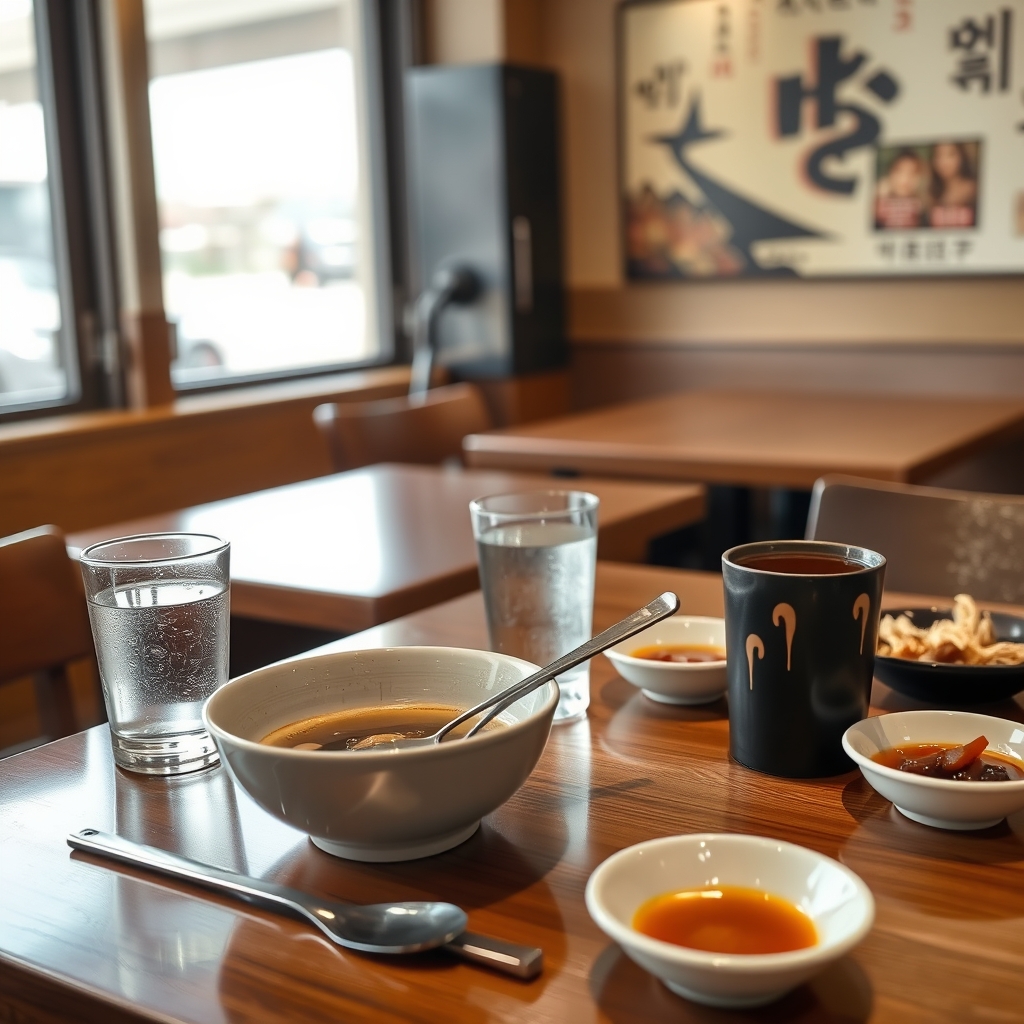
- Many restaurants use table bells, QR ordering, or self-service water and utensils, so look around before assuming staff will come automatically.
- Pointing at menu photos is normal in casual restaurants and markets; short phrases like 'less spicy' and 'to go' solve many ordering problems.
- Small market stalls may be inconsistent with foreign cards, so carry some Korean won when trying street food.
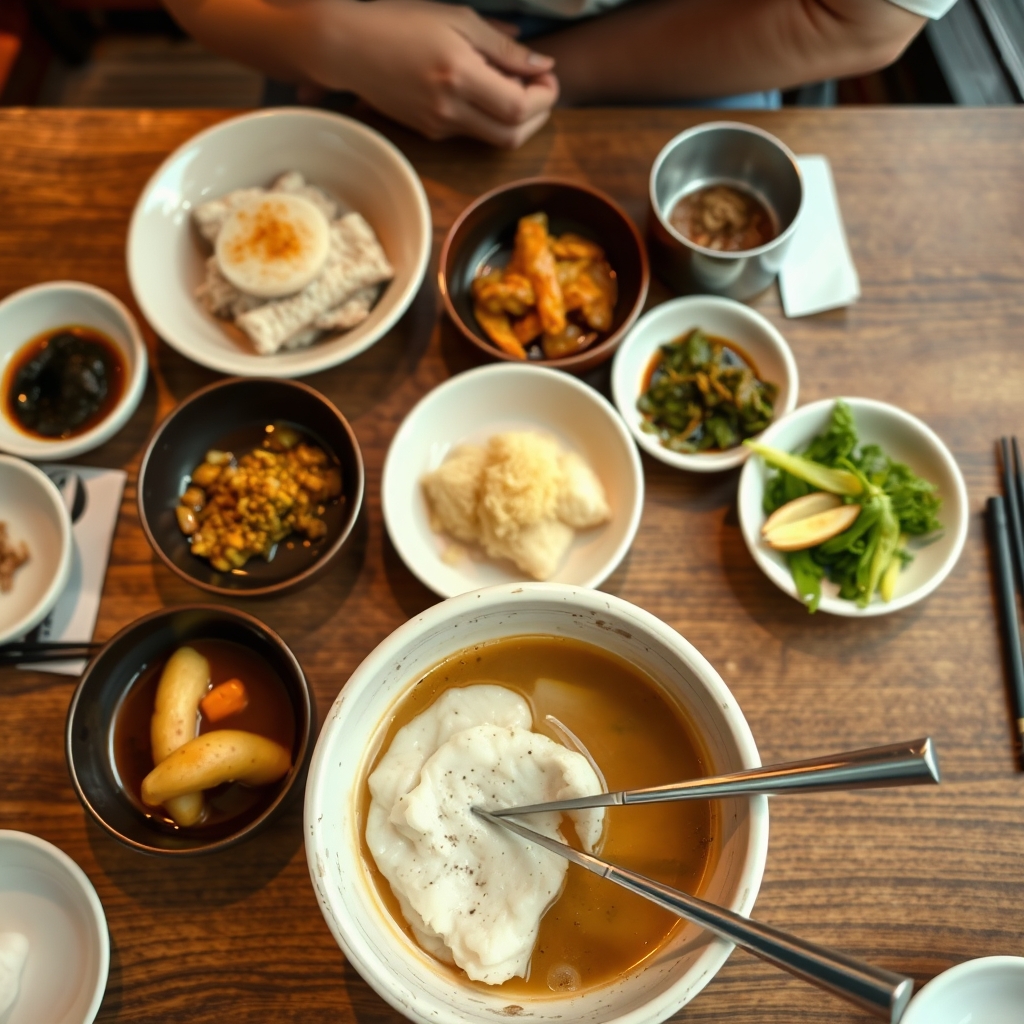
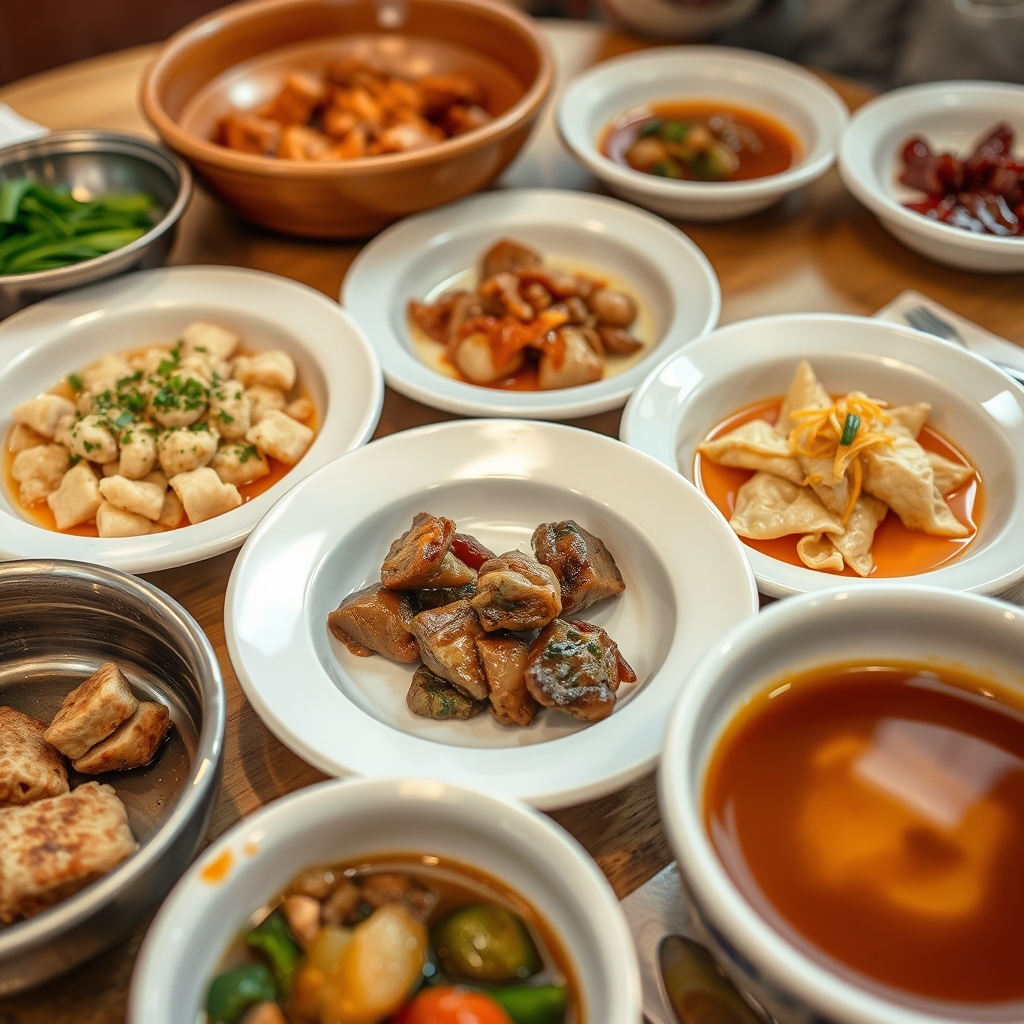
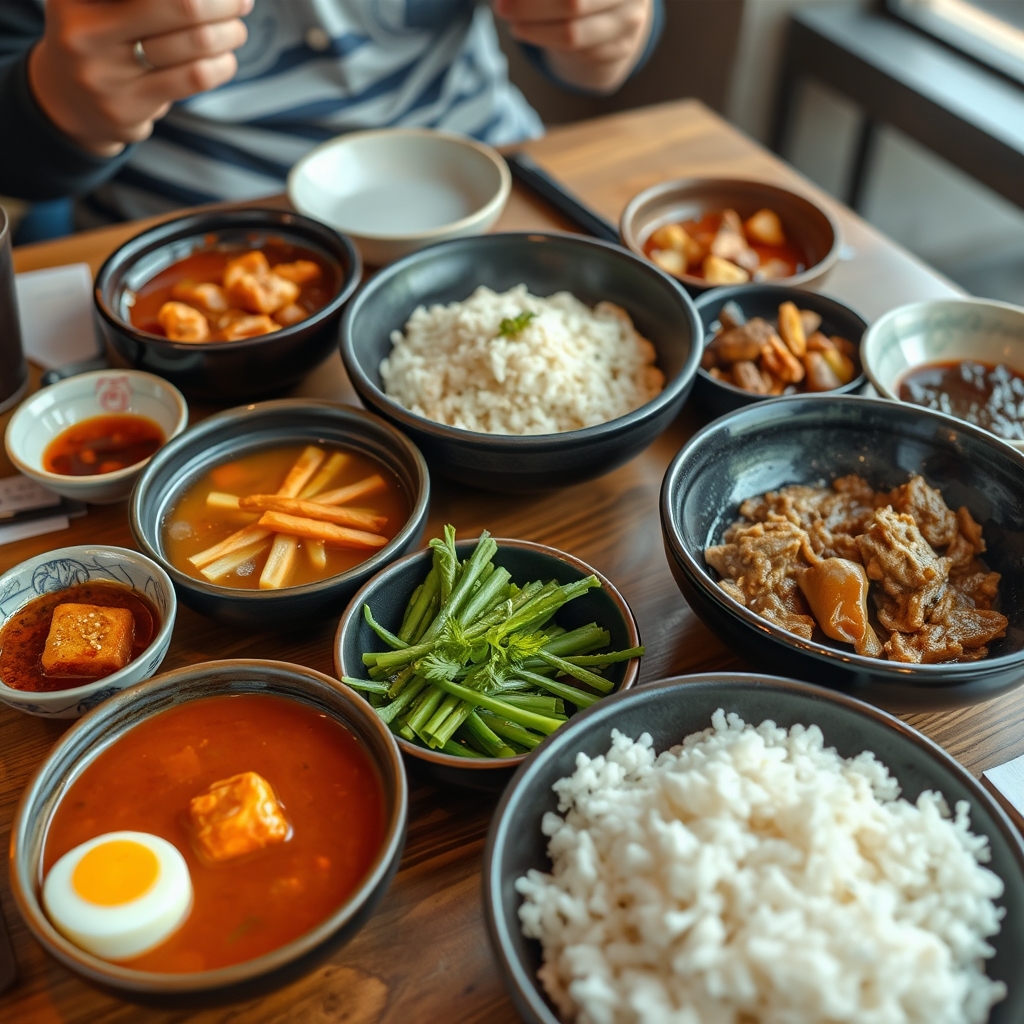
- Side dishes are often refillable, but the custom depends on the restaurant; watch what local customers do before asking.
Visual Guide
Use saved phrase shortcuts for common dietary or portion requests
Before your trip, add short Korean phrases to your app’s favorites: "덜 맵게 해 주세요" (less spicy, please), "돼지고기 안 돼요" (no pork), "포장 가능해요?" (can I take this to go?). When you’ve identified the dish you want, pull up the relevant phrase and show it to the server, or let the app speak it aloud. This method works well even if the server’s English is limited, because the phrase is short and clear.
Watching how locals point to menu photos can also guide you—if you see a group repeatedly tapping a picture of bibimbap, that likely signals a popular, easy‑to‑order dish. Using these shortcuts speeds up the ordering process and minimizes misunderstandings.
Checklist
- Download a translation app with Korean offline language packs before you travel
- Test the camera translation on a sample Korean sign in your hotel lobby
- Carry a few Korean won for cash‑only eateries
- Ring the table bell to signal you’re ready to order
- Save common dietary phrases in the app’s favorites list
Confirm the order with a quick visual or vocal check
After you’ve chosen your dishes, ring the table bell to attract staff attention if they haven’t already approached you. Show the translated menu segment or the saved phrase on your screen, then listen for the server’s nod or a brief verbal confirmation. If the server looks uncertain, repeat the phrase using the app’s voice function, which pronounces the Korean text clearly.
In many casual spots, staff will repeat the dish names back to you; this is your cue that the order is understood. If you notice the server glancing at a colleague, it may indicate they need clarification—don’t hesitate to re‑show the translation or ask a nearby diner for help.
FAQ
What if the QR code on the table won’t scan?
First, try cleaning the camera lens and adjusting the angle. If it still fails, ask the staff for a printed menu or a plain‑text version on a nearby wall. Having the app open beforehand lets you switch to manual photo translation without losing momentum.
Can I rely on the app’s voice feature to place my order?
Yes, the voice function works well for short, common phrases like "no peanuts" or "extra rice". Speak clearly and keep the phone close to the server. If the server looks confused, repeat the phrase visually on the screen as a backup.
How do I avoid ordering a dish that’s too spicy for me?
Look for the Korean word "매운" (spicy) in the menu translation. Use the saved phrase "덜 맵게 해 주세요" (less spicy, please) and show it to the server. Many restaurants will adjust the heat level if you request it before cooking starts.
Related Guides
Questions about this guide?
If something is unclear or you want a Korea-specific answer, leave a question. Public answers can be added after review.