Start Here
For travel inside Korea, use Naver Map or KakaoMap as your main navigation app and keep Google Maps as a backup. Naver Map is usually stronger for subway exits, bus stops, Korean addresses, and local transit routing. Google Maps is more comfortable for English place discovery, saved lists, photos, and general orientation, but it can be weaker for detailed Korea transit.
The best setup is not either-or: search and move with Naver Map, cross-check English place information with Google Maps, and trust station signs or official notices when an app looks inconsistent. Save key addresses in Korean before leaving your hotel.
Do This in Order
- Install both Naver Map and Google Maps before arrival.
- Save Korean names for hotels and important destinations.
- Use Naver Map for subway exits and bus stop direction.
- Use Google Maps for English reviews and broad trip planning.
- Follow physical station and stop signs when app directions conflict.
Use Naver Map When Movement Accuracy Matters
Naver Map is the better first choice when the task is getting from one Korean address to another. It handles subway exits, bus stops, walking routes, and Korean place names in a way that matches how locals navigate. The friction point is language: English searches can work, but Korean names and road addresses are usually more reliable.
Decision rule: if you are trying to reach a hotel, clinic, restaurant, station exit, or bus stop, search in Naver Map first and compare the route with signs on the ground.
Decision Notes
- Visitor friction: the hard part is usually knowing which visible clue to trust first for Naver Map vs Google Maps in Korea.
- Local cue: At stations and airport areas, compare the sign, platform direction, exit number, reader, and staffed counter before committing.
- Fallback move: if the first option fails, switch to a staffed counter, larger store, station area, or official app instead of guessing.
- Editorial mode: decision-brief.
Use Google Maps for English Context, Not Final Transit Decisions
Google Maps is useful when you want English reviews, photos, saved lists, and a familiar interface. It is also helpful before the trip when you are planning neighborhoods or comparing landmarks. The mistake is treating it as the final authority for every Korea route.
For detailed transit and station-exit decisions, check Naver Map or KakaoMap before moving. Local behavior cue: Korean addresses and building names often appear differently across apps, so the Korean name is the common denominator when asking staff or drivers for help.
Comparison Table
| Need | Use First | Backup Check |
|---|---|---|
| Subway exits and walking route | Naver Map | Station signs |
| English reviews and photos | Google Maps | Naver place page |
| Bus stop and direction | Naver Map or KakaoMap | Stop sign and route display |
| Taxi destination | Korean address from Naver Map | Hotel or staff confirmation |
Photos Before You Go

Local Tips Worth Knowing
These are practical patterns that often come up in Korean local guides and traveler discussions, rewritten for visitors instead of copied from any one source.
- Use Naver Map or KakaoMap for station exits and bus arrival details; Google Maps is better as a backup reference.
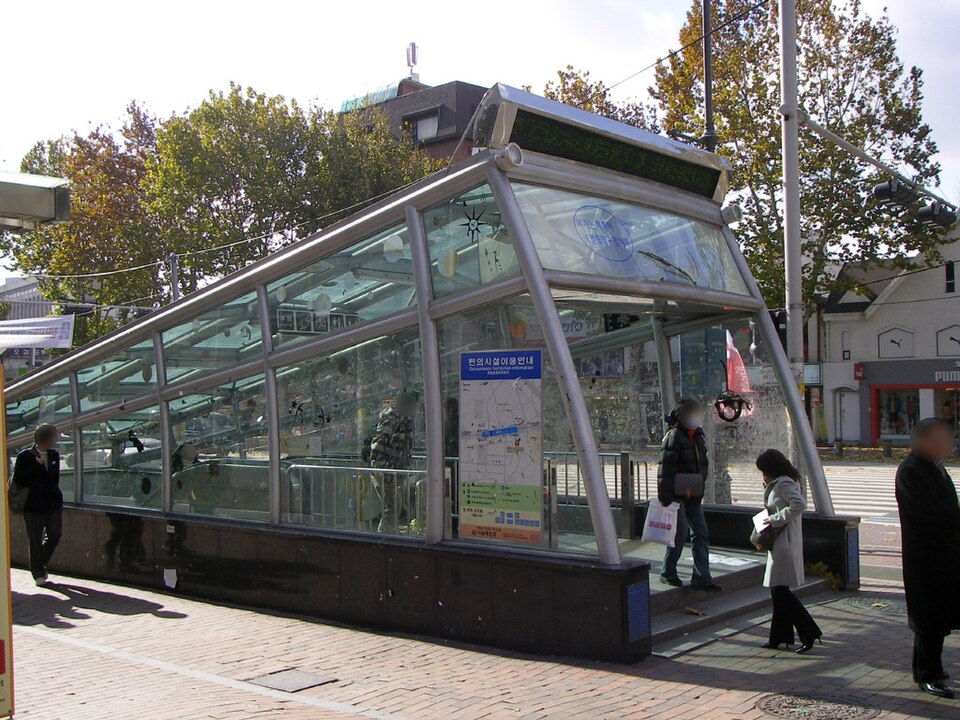
- Check the exit number before leaving a large subway station.
- Save Korean names and screenshots of important addresses before starting a trip.
- For taxis, show the Korean address rather than relying on English pronunciation.
Build a Two-App Workflow Before the Trip
A practical workflow is simple. Save destinations in Google Maps for planning, then copy the Korean name or address into Naver Map when you need to move. For subway trips, use Naver Map to choose the exit.
For buses, match the stop name, route direction, and nearby landmarks. If mobile data becomes unreliable, use screenshots of the Korean address and route overview. Decision rule: use the app that answers the immediate problem, not the app you are most familiar with.
Trust Physical Signs When Apps Disagree
Apps can lag, translations can be awkward, and place names can be duplicated. Inside stations and bus stops, official signs and displays are the final reality check. If Naver Map says one thing and the platform sign says another, pause before boarding or exiting.
For taxis, show the Korean address rather than trying to pronounce an English place name. This habit prevents the most common visitor errors: wrong exits, opposite-direction buses, and pickup points on the wrong side of a large intersection.
Reader Questions
Can I use only Google Maps in Korea?
You can use it for broad orientation and English place research, but it is weaker for detailed local transit. For moving around Korea, install Naver Map or KakaoMap as well.
Why do Korean addresses look different across apps?
Apps may show translated names, road-name addresses, old lot-number addresses, or building names. When in doubt, use the Korean road address or official place name.
Which app should I show to a taxi driver?
Show the Korean destination name or address, preferably from Naver Map or KakaoMap. A screenshot is useful if your connection drops or the driver needs to confirm the pickup point.
Related Guides
Questions about this guide?
If something is unclear or you want a Korea-specific answer, leave a question. Public answers can be added after review.