Best Short Answer
When you need to switch from Seoul's subway to a bus, first locate the exit that leads to the bus platform—check the exit number on the wall and confirm it matches the map at the information desk. Use Naver Map or KakaoMap to see the exact bus stop and upcoming arrivals. Have a T‑money card ready; tap it when you board and again when you alight to ensure the transfer discount is applied.
If the bus you want is delayed or full, walk to the next stop on the same street and board the next bus heading the same direction, then continue your journey. This sequence minimizes walking, avoids missed taps, and gives a clear fallback if the ideal bus isn’t available.
Comparison Table
Exit directly to the designated bus stop
ProsShortest walk, clear signage
ConsMay require familiarity with exit numbers
Walk to a larger nearby bus stop shown in the app
ProsMore bus lines, easier to ask for help
ConsLonger walk, possible extra fare
Switch to a subway-heavy route
ProsLess bus-stop confusion, easier signage
ConsMay take longer or require another transfer
Identify the correct exit that serves your bus line
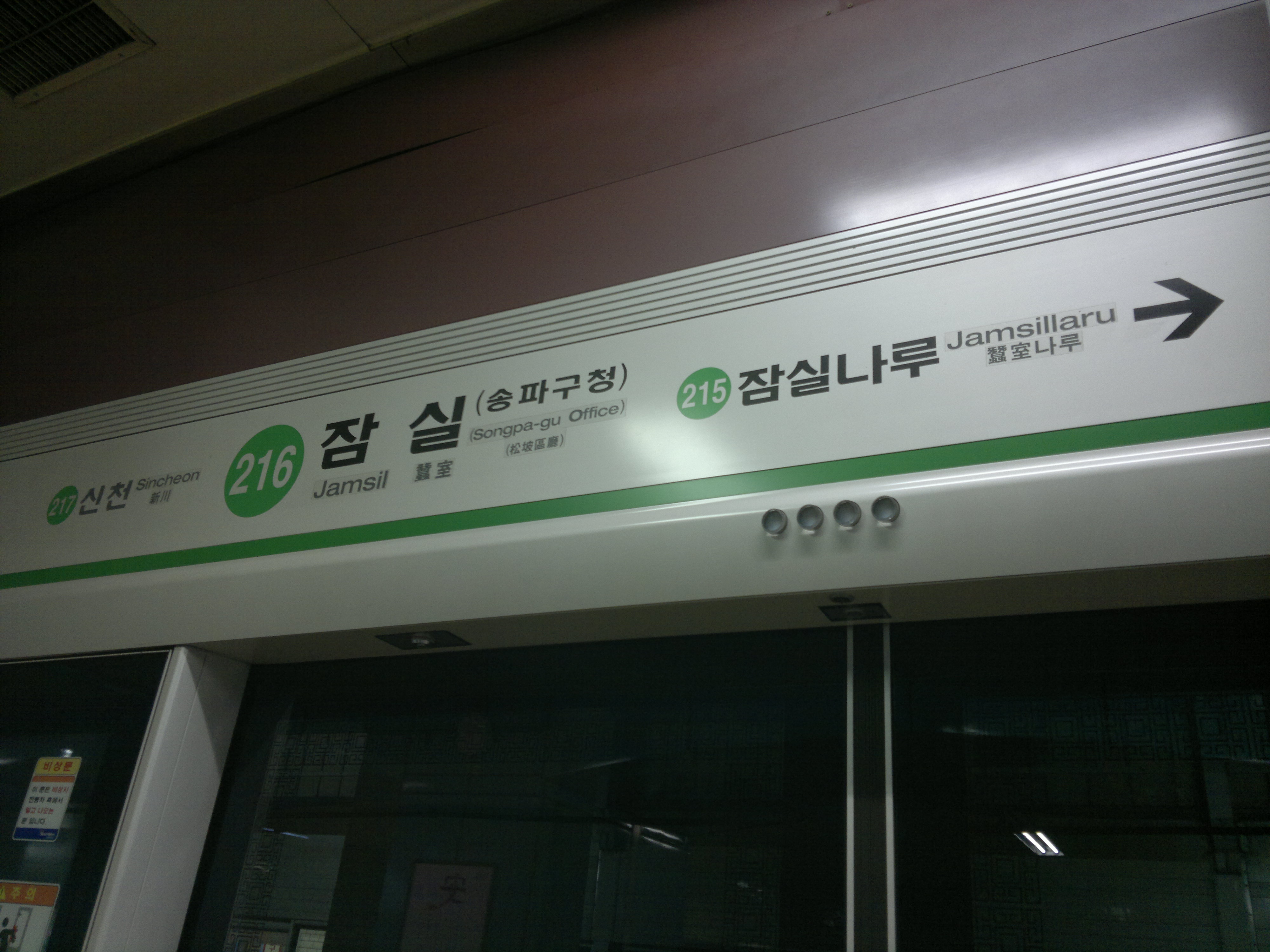
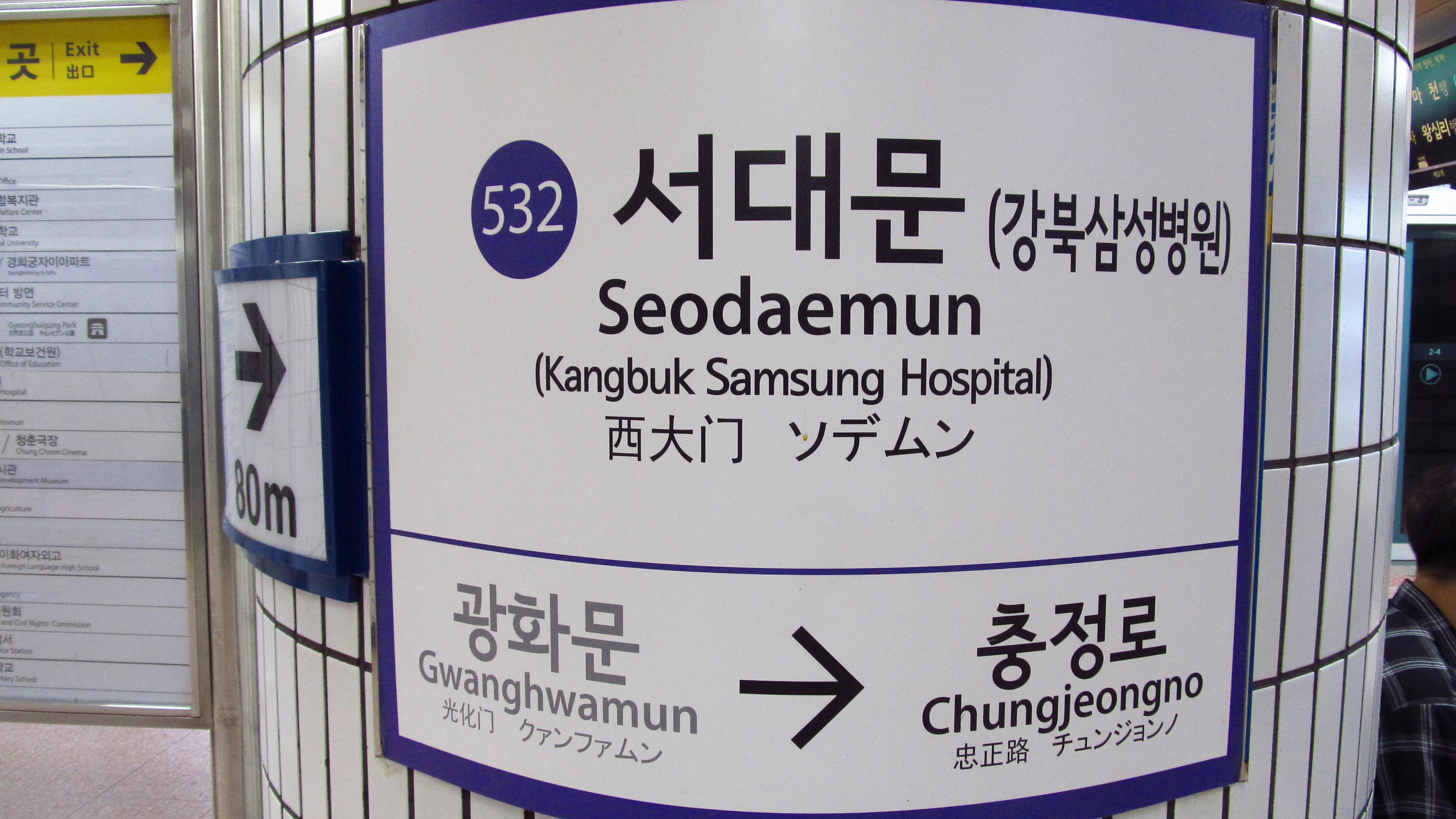
When you reach the subway platform, look for the exit number that corresponds to the bus stop you need. The signs are usually easier to follow if you focus on numbers, line colors, and arrows rather than trying to read every word. Before you leave the paid area, compare your route app with the station exit map near the gates.
If you are unsure, ask at the staffed information desk or choose a route with a simpler transfer. Knowing the right exit prevents a long, unnecessary walk and keeps you from arriving on the wrong side of a wide road.
Before You Try It
- Friction point: the hard part is matching the route app’s exit number to the sign in front of you while people are moving quickly around the gates.
- Local cue: check the exit number, bus stop ID, platform direction, and road side before you leave the paid area.
- Fallback move: if the bus stop is confusing, step aside, recheck the route in Naver Map or KakaoMap, and switch to a subway-only route if the bus leg still looks uncertain.
Local Tips Worth Knowing
These are practical patterns that often come up in Korean local guides and traveler discussions, rewritten for visitors instead of copied from any one source.
- Use Naver Map or KakaoMap for station exits and bus arrival details; Google Maps is better as a backup reference than as the main Korea transit app.
- Check the exit number before leaving a large subway station. The wrong exit can add a long walk even when you arrived at the correct station.
- On buses, tap your transit card when getting off as well as when boarding. Missing the exit tap can affect transfer handling.
- Keep some Korean won available for transit card top-ups because foreign-card support can vary by machine, station, and store.
Visual Guide
Check real‑time bus arrivals on a Korean navigation app
Open Naver Map or KakaoMap and enter the bus number you plan to take. These apps are useful because they show the bus stop location, route direction, and arrival guidance in one place. Treat any live timing as guidance rather than a promise, because traffic and route changes can affect buses quickly.
Keep the phone’s battery in mind and save the Korean place name if you are traveling all day. By confirming the stop before you step outside, you can decide whether to wait, walk to a nearby stop, or adjust your route.
Before You Decide
- Verify the exit number that leads to your bus stop using the station map or information desk.
- Open Naver Map or KakaoMap to check the stop location, route direction, and arrival guidance.
- Ensure your T‑money card has sufficient balance and test it on a validator before boarding.
- Tap the card when you board and tap again when you alight to claim the transfer discount.
- If the bus is full, walk to the next stop on the same street and catch the next bus heading the same direction.
Prepare your T‑money card and handle the transfer tap correctly
Make sure your T‑money card has enough balance before you leave the station area; convenience stores and station machines are common places to check for top‑ups, but payment acceptance can vary. When you board the bus, tap the card on the front reader and wait for the confirmation sound or screen response. When you alight, tap again on the rear reader to register the exit.
This second tap matters because missed taps can affect transfer handling. If your card fails to read, step aside and ask the driver or station staff instead of pushing through.
Board the bus and manage unexpected delays or full buses
Approach the bus door only after confirming the route number and direction on the front or side display. If the bus is crowded, delayed, or not clearly your route, do not rush just because other people are boarding. Step back, recheck the app, and compare the road direction with your destination.
If you miss your intended bus, the safer fallback is usually to wait for the next matching bus or switch to a subway-heavy route from the same station area. Guessing on the wrong road side can waste more time than waiting.
FAQ
What should I do if I can’t read the exit numbers at a subway station?
Look for the bilingual exit map posted near the ticket gates; it pairs numbers with icons showing nearby landmarks. If it’s still unclear, ask a station staff member—they’ll point you to the correct exit and may give a quick sketch.
Can I rely on a foreign credit card instead of a T‑money card on Seoul buses?
Do not build your transfer plan around a foreign credit card. Payment acceptance can vary, and a T‑money card is the safer choice for subway-to-bus transfers because the tap pattern is designed for the transit system.
What if I forget to tap out when I get off the bus?
You may lose the transfer benefit or create a fare-handling issue. The practical fix is to tap correctly on the next ride and ask station customer service if your card balance looks wrong.
Related Guides
Questions about this guide?
If something is unclear or you want a Korea-specific answer, leave a question. Public answers can be added after review.